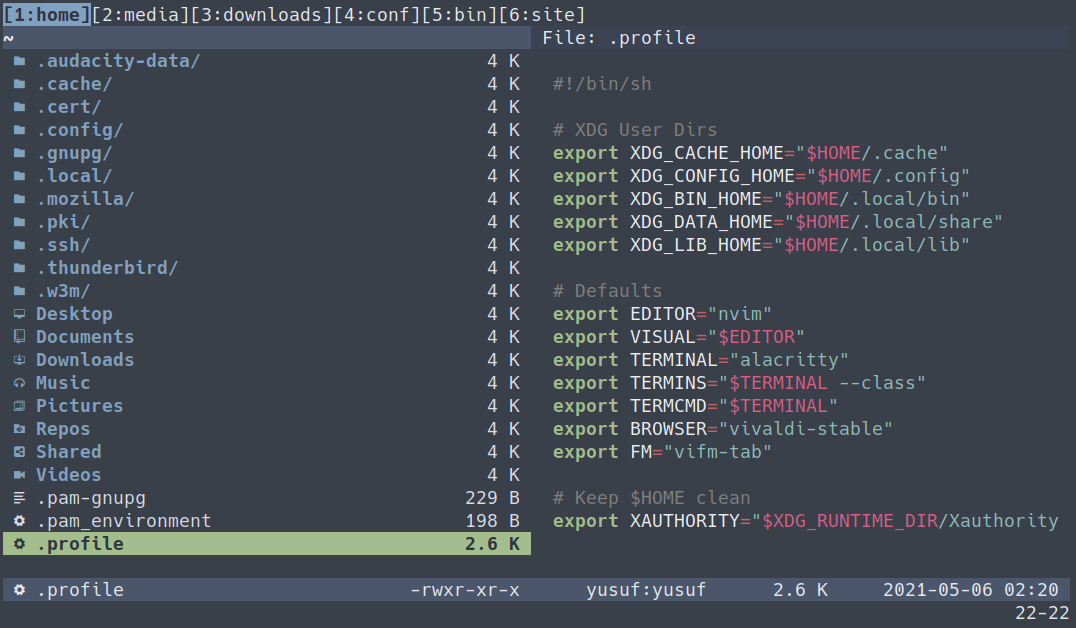
In this post, I will share a tip on using Vifm as the default file manager.
vifm-tab script
This script allows me to use Vifm as a single instance and when I want to open
a directory that utilizes xdg-open to launch the default file manager, it
opens in this instance’s new tab.
For this script to work you need to set the server name in your vifmrc:
Save this script to your PATH: (I’ve added some comments inside the script so you can adjust to your needs.)
Now you can open vifm with vifm-tab and pass your path as an argument to open
in this single instance.
Setting vifm-tab as a default file manager
Create vifm-tab.desktop file under ~/.local/share/applications/ with the following content.
Now you can set vifm-tab as the default file manager:
You can find my vifm config and scripts here.